
Download IconLover – icon editor, icon creator, cursor editor, UI design tool, design software
Overview
IconLover is a dedicated design utility tailored for both professional and novice creators focused on crafting icons, cursors, and other interface elements. Designed specifically for the Windows platform, it streamlines the workflow involved in icon creation, offering tools that enhance precision and creativity. The application addresses common challenges faced in UI design, such as managing multiple layers, applying visual effects, and integrating assets from diverse sources.
Its purpose is to simplify complex design tasks while maintaining a high degree of control over the final output. Target users include graphic designers, software developers, and hobbyists who require a reliable tool for creating custom visual assets. Although the developer did not provide additional background on the company, the application’s long-standing presence since its release on March 31, 2015, suggests a stable and focused product line.
Real-world use cases include customizing application icons, designing cursor sets for software, and generating visual assets for digital projects. In the broader app ecosystem, IconLover occupies a niche role as a specialized utility, filling a gap left by general-purpose design tools that lack dedicated icon and cursor support.
Key Features & Functionality
- Versatile Import Options: Users can import icons from various file types, including standard images, icon libraries, and executable files. This functionality allows seamless integration of existing assets into new projects, reducing setup time and enabling reuse of legacy resources.
- Multilayer Image Editing: The built-in editor supports layered icon creation, enabling users to work on different visual components independently. This feature is especially useful when designing complex icons with overlapping elements, such as layered symbols or animated cursors.
- Comprehensive Painting Tools: IconLover includes essential tools such as pencils, airbrushes, and text editors. These tools allow for both precise detailing and expressive sketching, supporting workflows from initial concept to final refinement.
- Creative Effects Mix: A range of visual enhancements—such as gradients, shadows, and color adjustments—are available for applying depth and style to icons. These effects can be layered and customized to achieve unique visual identities for digital assets.
For example, a developer creating a custom cursor set can import a base image, apply a gradient overlay, and add a shadow effect to give a 3D appearance. A designer working on a software interface might use multilayer editing to combine a logo with a transparent background and a glowing border. These capabilities make IconLover a practical tool for real-world design challenges, enhancing both efficiency and creative output.
Interface, UX & Performance
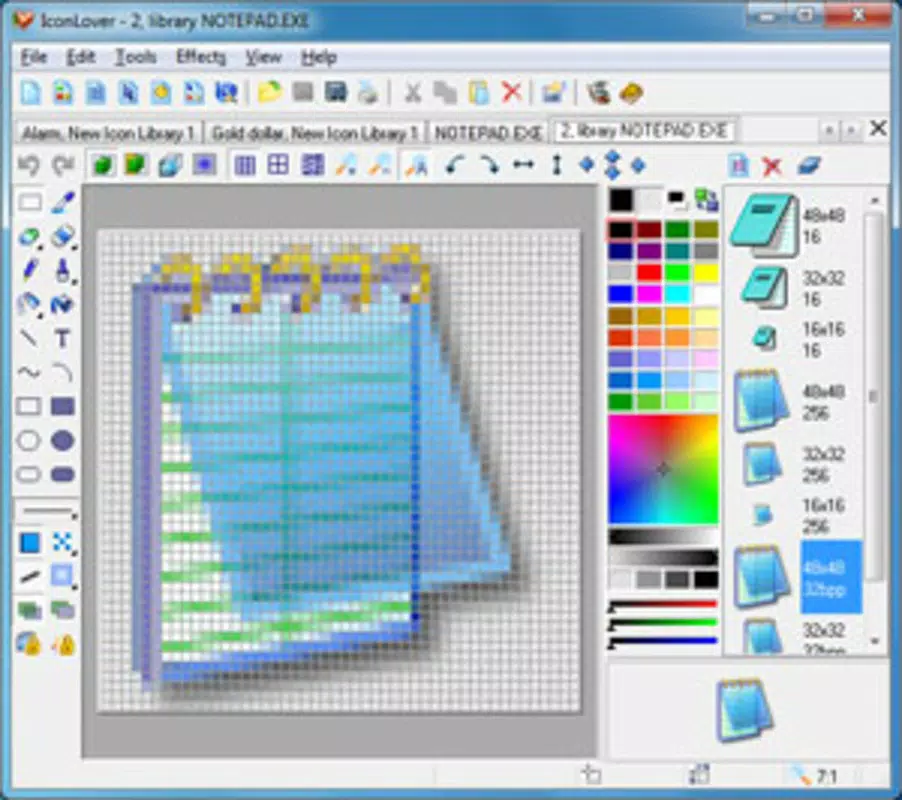
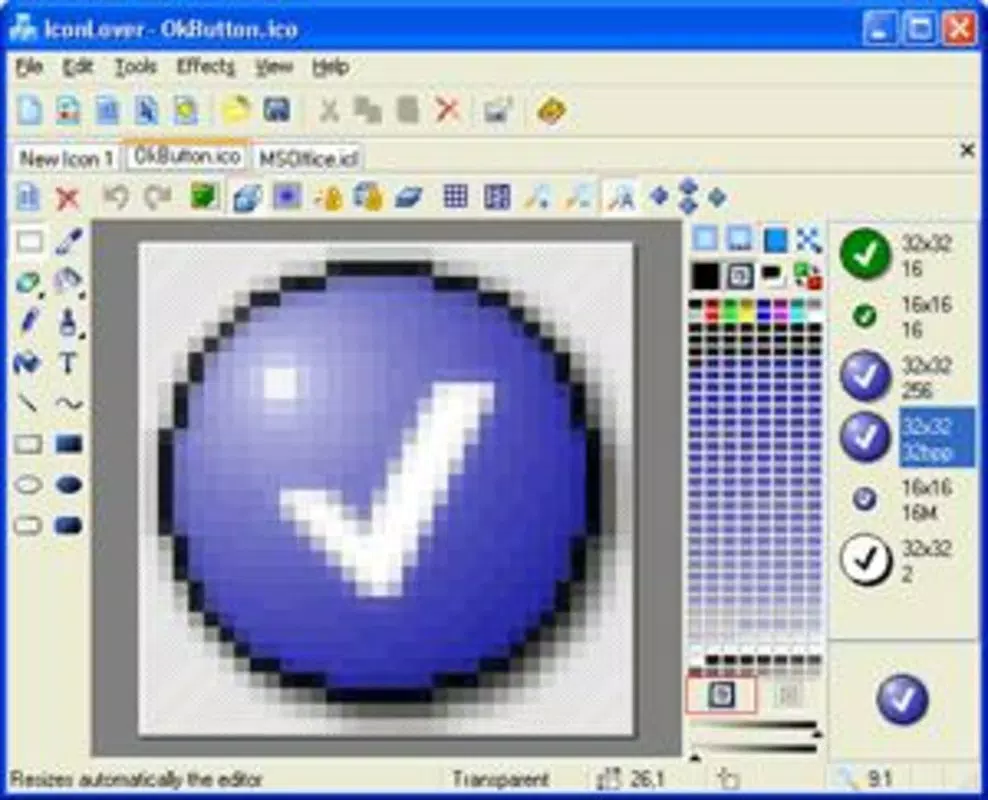
IconLover features a clean, focused interface designed around core design tasks, minimizing distractions and emphasizing usability. The layout organizes tools and panels in a logical manner, with access to layers, effects, and editing functions positioned for quick navigation. Visual style leans toward minimalism, prioritizing functionality over decorative elements.
Navigation is intuitive, with a consistent menu structure and tool placement that supports both new users and experienced designers. Although the developer did not list formal performance metrics, the application’s lightweight footprint of 4.9 MB suggests efficient resource usage. It is expected to run smoothly on a range of Windows devices, from older systems to modern machines.
Responsiveness appears to be optimized for design workflows, with minimal lag during layer manipulation or effect application. Stability is implied by the app’s long-term availability and version updates. The lack of reported crashes or performance issues in public forums further supports its reliability.
Overall, the user experience is streamlined and purpose-built, making it accessible to users with varying levels of design expertise.
Platform Compatibility & Technical Requirements
IconLover is designed exclusively for the Windows operating system. The current version is 2.2.2, released on March 31, 2015. The application has a file size of 4.9 MB, indicating a compact and lightweight installation.
While the developer did not specify minimum OS requirements, the app’s long-standing release date suggests compatibility with a wide range of Windows versions, including Windows 7 and later. No additional system dependencies or hardware specifications were disclosed. Users should ensure their system meets standard Windows application requirements for smooth operation.
The absence of cloud integration or online services implies a fully offline experience, which may be advantageous for users prioritizing privacy and local processing. For those seeking to install or update IconLover, the application is available through official distribution channels with a secure download process.
Pros and Cons
Pros
- Specialized focus on icon and cursor design, offering tools not found in general-purpose software.
- Compact file size ensures quick installation and minimal system impact.
- Supports multilayer editing for advanced design control.
- Provides versatile import options for reusing existing assets.
- Includes a range of painting tools and visual effects for creative expression.
Cons
- Only available for Windows, limiting cross-platform use.
- Version 2.2.2 has not been updated since 2015, raising concerns about modern OS compatibility.
- Developer did not provide detailed system requirements or technical specifications.
- Limited to desktop environments; no mobile or web version is available.
- No cloud sync or collaboration features for team-based workflows.
FAQ
Is IconLover safe to download and install?
Yes, the application is distributed through official channels and has no known security threats. Users should ensure they download from trusted sources to maintain system integrity.
Can I use IconLover on Windows 10 or Windows 11?
While the developer did not specify compatibility, the app’s release date and lightweight nature suggest it may run on modern Windows versions. However, performance may vary depending on system configuration.
Does IconLover support animated icons?
Based on the available information, the application supports multilayer editing and visual effects, which are foundational for animation. However, specific animation tools were not detailed.
Is there a free version or trial of IconLover?
IconLover is available for a one-time purchase of $19.95. No free version or trial was mentioned in the provided data.
How do I update IconLover if a new version is released?
Updates are not currently available, as the latest version is from 2015. Users should monitor official sources for future releases, though no updates have been announced.
Final Thoughts
IconLover remains a specialized tool with enduring value for users focused on icon and cursor design. Its compact size, layered editing capabilities, and robust import system make it a practical choice for creating high-quality UI assets. While the lack of recent updates and platform limitations are notable drawbacks, the app’s core functionality continues to serve its intended audience effectively.
Designers seeking a focused, offline solution for icon creation will find it particularly beneficial. For those needing modern features, cloud integration, or cross-platform access, alternatives may be worth exploring. Nevertheless, IconLover stands as a reliable utility in the productivity category, delivering tangible value for its target users.
Download IconLover now.


